



Can I have my icons back? Please?
-
For now, yes. Did you try using “default settings” under Options menu, and did that help?
thanks,
-
p.s. Under WinXP, PA does change icons back when you set default skin, at least on my computer, anyone else?
-
Thanks for the reply!
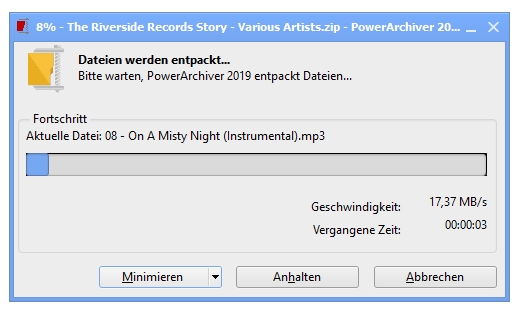
I did manage to fix the problem. I went to Options > Configuration > File Formats and re-associated my file types. Re-booted and my icons came back.
Its just my opinion, but I think there needs to be an option similar to…
Use PA Default Icons
Use Theme Icons -
what you could do is manually delete icons from the skin, and it will work great.
-
Can I do that without applying the skin first? When skins are downloaded they are single file. When I open a skin file in PA I get a prompt to either use the skin or not.
So to avoid the issue I would need to remove the icons prior to installing the skin.
-
if you open the Skin, and say No to installation, it will open the skin file for you. You can then sort it by type and delete icons. Re-Open the file and then install it…
-
Thanks! I appreciate the solution + instructions.
-
we will probably have this as an option in X.
-
I have the same problem on this with those other skins…so i wonder should I include icons on my next skin? If it tooo troublesome for other users?
Pls Advicesthanks. :)
-
hint: icons for board are great :-).
